If you've heard the term "IPTV" thrown around and aren't quite sure what it means, you're not alone. IPTV — short for Internet Protocol Television — is simply a way of delivering television channels and on-demand content over the internet instead of through a satellite dish, an aerial, or a traditional cable box. If you can stream a video on YouTube, you already understand the basic mechanism; IPTV just applies that same idea to live TV.
How IPTV Actually Works
Traditional TV works by broadcasting a signal — over the air, through a satellite, or down a coaxial cable — to a receiver in your home that decodes it into a picture. IPTV skips all of that hardware. Instead, a provider streams channels as data over the internet, and a small app on your device (a phone, a Smart TV, a streaming box) decodes that data and displays it just like any other channel. The video is broken into packets, sent to your device, and reassembled in real time, which is why a stable internet connection matters more than almost anything else for a smooth experience.
What You Actually Get With an IPTV Subscription
A typical IPTV subscription, like the one offered through HorizonStream, bundles together three things: live channels from around the world, a large on-demand movie library, and a catalog of TV series. Instead of paying separately for a cable package, a streaming service, and a sports package, everything lives inside one subscription and one app. You get an electronic program guide (EPG) so you can see what's currently airing and what's coming up, exactly like a cable guide, and most services support catch-up or replay for shows you've missed.
IPTV vs Cable and Satellite
The biggest practical difference is hardware. Cable and satellite require a technician visit, a dish or box, and often a contract tied to your address. IPTV needs none of that — you install an app, log in, and start watching, whether you're at home or traveling. It also tends to be significantly cheaper, since there's no infrastructure to maintain on the provider's end, and channel selection is usually far broader, since IPTV isn't limited by regional broadcast licensing the same way traditional satellite packages are.
What Devices Work With IPTV
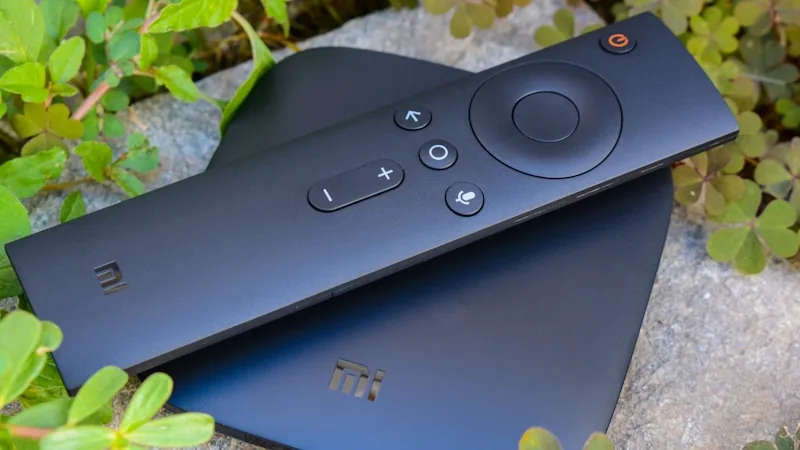
One of the most common questions from first-time subscribers is what they need to buy. In most cases, the answer is nothing extra. IPTV works on devices people already own: Smart TVs, Android phones and tablets, iPhones and iPads, Windows and Mac computers, and inexpensive streaming sticks like the Amazon Firestick. If your device can install an app and connect to Wi-Fi or ethernet, it can almost certainly run IPTV.
Getting Started
The typical process looks like this: choose a subscription plan, complete payment, and receive login credentials. From there, you install a recommended player app (this is usually a five-minute process), enter your credentials, and your channels and on-demand library load automatically. Most providers, including HorizonStream, offer a free trial first, so you can test streaming quality and channel selection on your own devices before committing to a paid plan.
Is It Worth Switching?
For most households, the appeal comes down to flexibility and cost. You're not locked into a long contract, you can watch on multiple types of devices, and you typically get access to a far wider range of channels and on-demand content than a standard cable package offers. If you've been considering cutting the cord, understanding how IPTV works is the first step — and starting with a free trial is the easiest way to see if it fits how you actually watch TV.
Curious what a HorizonStream subscription includes? Take a look at our pricing plans or check the full FAQ for answers to more specific questions.