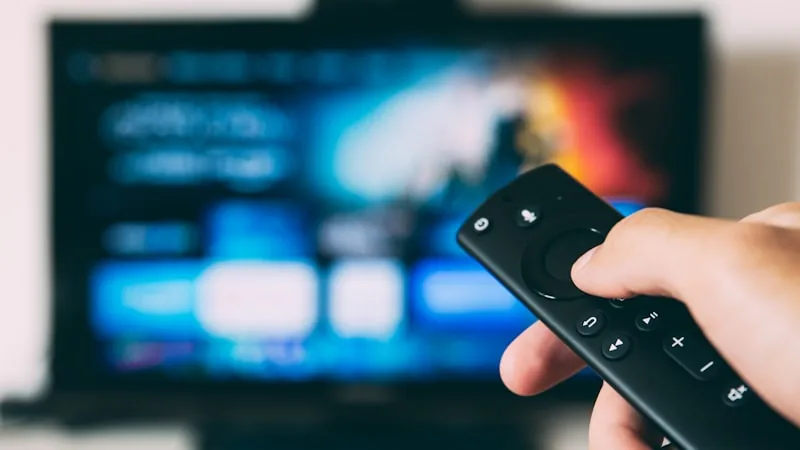
Many modern Smart TVs can run an IPTV player app directly, with no separate streaming box required — you just need to know where to look, since IPTV apps aren't always featured prominently in a TV's built-in app store.
Samsung and LG Smart TVs
Samsung (Tizen) and LG (webOS) TVs both have their own app stores, and while dedicated IPTV apps aren't always listed there directly, several general-purpose media player apps that support IPTV playlists are. We'll recommend the specific app and setup format that currently works best for your TV's operating system when you message us — this changes from time to time as app stores update their listings.
Android-Based Smart TVs
TVs running Android TV or Google TV as their operating system (common with Sony, TCL, Hisense, and others) have the most flexibility, since they use the same Google Play Store as Android phones. This means most of the player apps recommended for Android phones and boxes will install directly from the Play Store on these TVs too, with no extra sideloading steps.
Older or Non-Smart TVs
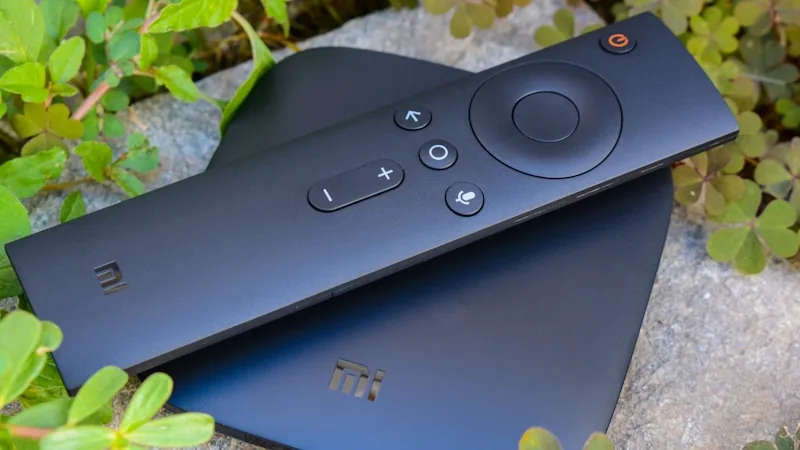
If your TV doesn't support installing apps at all — or its app store is too limited — the simplest fix is an inexpensive streaming device like an Amazon Firestick or an Android TV box plugged into any HDMI port. This effectively turns any TV into a Smart TV for IPTV purposes and takes just a couple of minutes to set up. See our Firestick setup guide for the exact steps.
Setting Up Your EPG on a Smart TV
Once your player app is installed and logged in, take a moment to load the electronic program guide (EPG). Most apps do this automatically, showing a grid of channels and current/upcoming programming, similar to a traditional cable guide. On a large TV screen, this becomes one of the most convenient ways to browse and channel-surf.
Getting a Stable Connection
Smart TVs are often positioned farther from the router than other devices, which can make Wi-Fi weaker exactly where you need it most. If you notice buffering on 4K channels, check your TV's Wi-Fi signal strength in its network settings — most TVs display this as a percentage or bar graph. Where possible, a wired ethernet connection (many Smart TVs have a built-in ethernet port) gives the most consistent 4K streaming performance.
We'll Walk You Through It
Smart TV setup varies more between brands than any other device type, so if you're not sure where to start, message our support team with your TV's brand and model. We'll send exact steps and app recommendations for your specific TV, and can screen-share or send a recorded walkthrough if needed.
Not subscribed yet? Compare our subscription plans, or check the FAQ for more setup and device questions.